
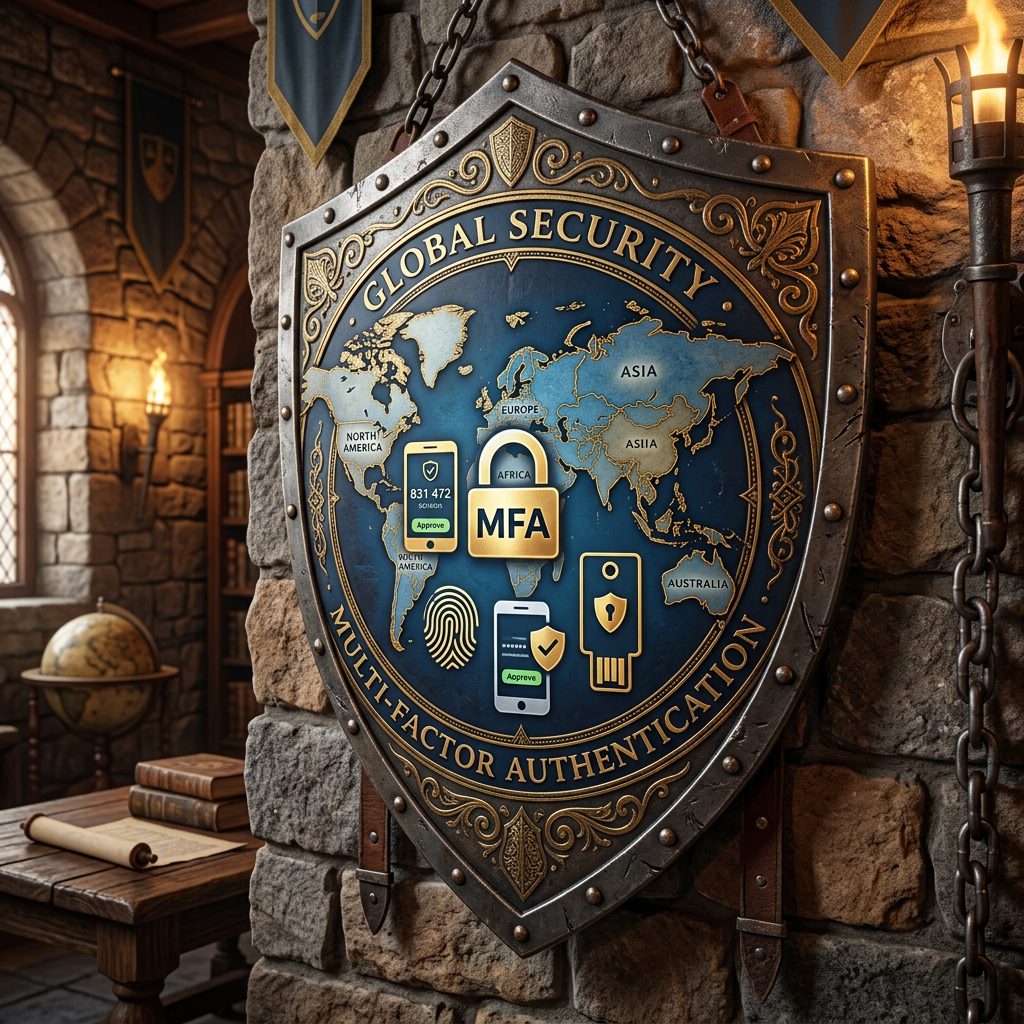
Frequently I see conditional access policies in Entra ID that don’t make sense, are targeted incorrectly, or are enabled but not assigned to users or groups. This naturally occurs over time, because not one person is responsible for them, it’s generally a shared responsibility that no one really wants to take ownership of, and when that happens, we’re left with security holes.
We must treat conditional access policies holistically, especially Named Location CA’s. An analogy I like to use is a drawbridge over a castle moat, the drawbridge being the named locations CA’s, the guard or guards being the CA’s and the castle being the tenant. I’ll go against the grain here and state that ‘Conditional access policies with named locations should be configured second, after Microsoft’s recommended default CA’s and before persona based conditional access’. For those who don’t know, persona based CA’s are CA’s targeting guests and external identities among other personas.
Here are my go-to named locations and their corresponding CA’s. The 🦾FANTASTIC FOUR 🦾as I like to call them.


The premise of these named location CA policies is to default block all countries and then exclude what is allowed with some additional conditions. I like to mix in session control as it makes sense to pair the sign in-frequency and make it more restrictive for locations outside of the office network. Here’s how they look, starting broadly and working inward.

👉CA04 NL- Block Untrusted Countries 🗺️
Assignments: All Users
Target Resources: All Resources
Network: ‘All Countries’ NL, excluding other named locations. (Home 🏠, Office 🏢, Trusted Countries 🗺️)
Conditions: As Above
Access Controls: BLOCK ACCESS
👉CA05 NL- Require Strong MFA for Trusted Countries 🗺️
Assignments: All Users, excluding breakglass account.
Target Resources: All Resources
Network: ‘Trusted Countries’ NL, excluding home 🏠 and office locations 🏢.
Conditions: As Above
Access Controls: GRANT ACCESS (Phishing-Resistent MFA/Windows Hello, Device Compliance, Sign-in Frequency: Every time, Persistent browser session: Never)
👉CA06 NL- Require Strong MFA for Home Countries 🏠
Assignments: All Users, excluding breakglass account.
Target Resources: All Resources
Network: ‘Home Countries’ NL, excluding office locations 🏢 and trusted countires 🗺️.
Conditions: As Above
Access Controls: GRANT ACCESS (Password-less MFA, Device Compliance, Sign-in Frequency: 4 Hours, Persistent browser session: Never)
👉CA07 NL- Office Locations 🏢
Assignments: All Users, excluding breakglass account.
Target Resources: All Resources
Network: ‘Office Locations’ NL, excluded home 🏠 and trusted countries 🗺️.
Conditions: As Above
Access Controls: GRANT ACCESS (Password-less MFA, Device Compliance)
The trick is to exclude other named locations in the CA policies because you can have instances where multiple CA’s can be true. For example, if you’re in the head office in Dublin and the trusted country is Ireland, then CA’s 05, 06 and 07 are true meaning more conditions and controls must be met to be granted access to resources.
⚠️WARNING ⚠️
Do not implement these CA’s because ‘Keith wrote about them in his blog’. As always, test before implementing.
To learn more, visit: Build Conditional Access policies in Microsoft Entra – Microsoft Entra ID | Microsoft Learn
Leave a Reply